Carll
Tyranny Raider (Retired)
-
Joined
-
Last visited
-
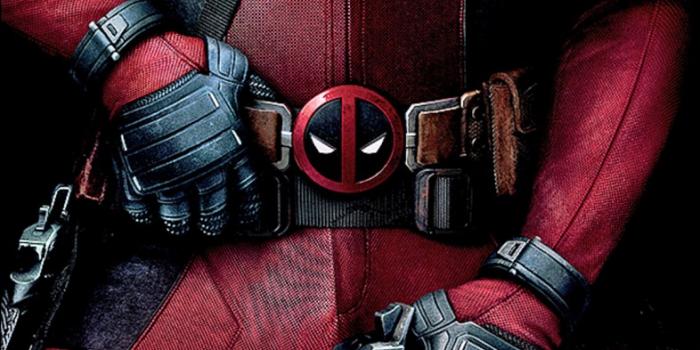
ALSO: NEW SIGNATURE @Jakesterwars!Juls after he murders everyone:How about one of these? or this?Possible new Signature, MIGHT be a little big though? Cut it in half from it's original size! (can cut it more if still too big) WHAT ARE YOUR THOUGHTS, JAKE?!I feel like this should be here:Possible new signature?Updated Signature and Put it in the "Spoiler box" so it wouldn't be too large... heh Edit: and as always Hidden picture for anyone that clicks it.. sfw.I love that new signature so much.

Account
Navigation
Configure browser push notifications
Chrome (Android)
- Tap the lock icon next to the address bar.
- Tap Permissions → Notifications.
- Adjust your preference.
Chrome (Desktop)
- Click the padlock icon in the address bar.
- Select Site settings.
- Find Notifications and adjust your preference.
Safari (iOS 16.4+)
- Ensure the site is installed via Add to Home Screen.
- Open Settings App → Notifications.
- Find your app name and adjust your preference.
Safari (macOS)
- Go to Safari → Preferences.
- Click the Websites tab.
- Select Notifications in the sidebar.
- Find this website and adjust your preference.
Edge (Android)
- Tap the lock icon next to the address bar.
- Tap Permissions.
- Find Notifications and adjust your preference.
Edge (Desktop)
- Click the padlock icon in the address bar.
- Click Permissions for this site.
- Find Notifications and adjust your preference.
Firefox (Android)
- Go to Settings → Site permissions.
- Tap Notifications.
- Find this site in the list and adjust your preference.
Firefox (Desktop)
- Open Firefox Settings.
- Search for Notifications.
- Find this site in the list and adjust your preference.